
NextJS Is Just React on the Server Side and That Is a Good Thing
I’ve been writing React code for about 10 years now. From the early days of class components and Redux boilerplate to modern hooks and Zustand, I’ve seen the ecosystem evolve quite a bit. But until recently, I hadn’t touched NextJS on a real production project. That changed when I joined a team building a complex web platform where the frontend was built entirely on NextJS.
What Actually Is NextJS?
Let me cut through the marketing noise. NextJS is React. That’s it. If you know React, you already know about 90% of NextJS. The remaining 10% is mostly about understanding where your code runs — on the server or in the browser — and how routing works.
In traditional client-side React (the kind I’d been writing for years with Create React App or Vite), everything happens in the browser. The server sends an empty HTML shell, the JavaScript bundle downloads, and React takes over. The user stares at a loading spinner while all of this happens.
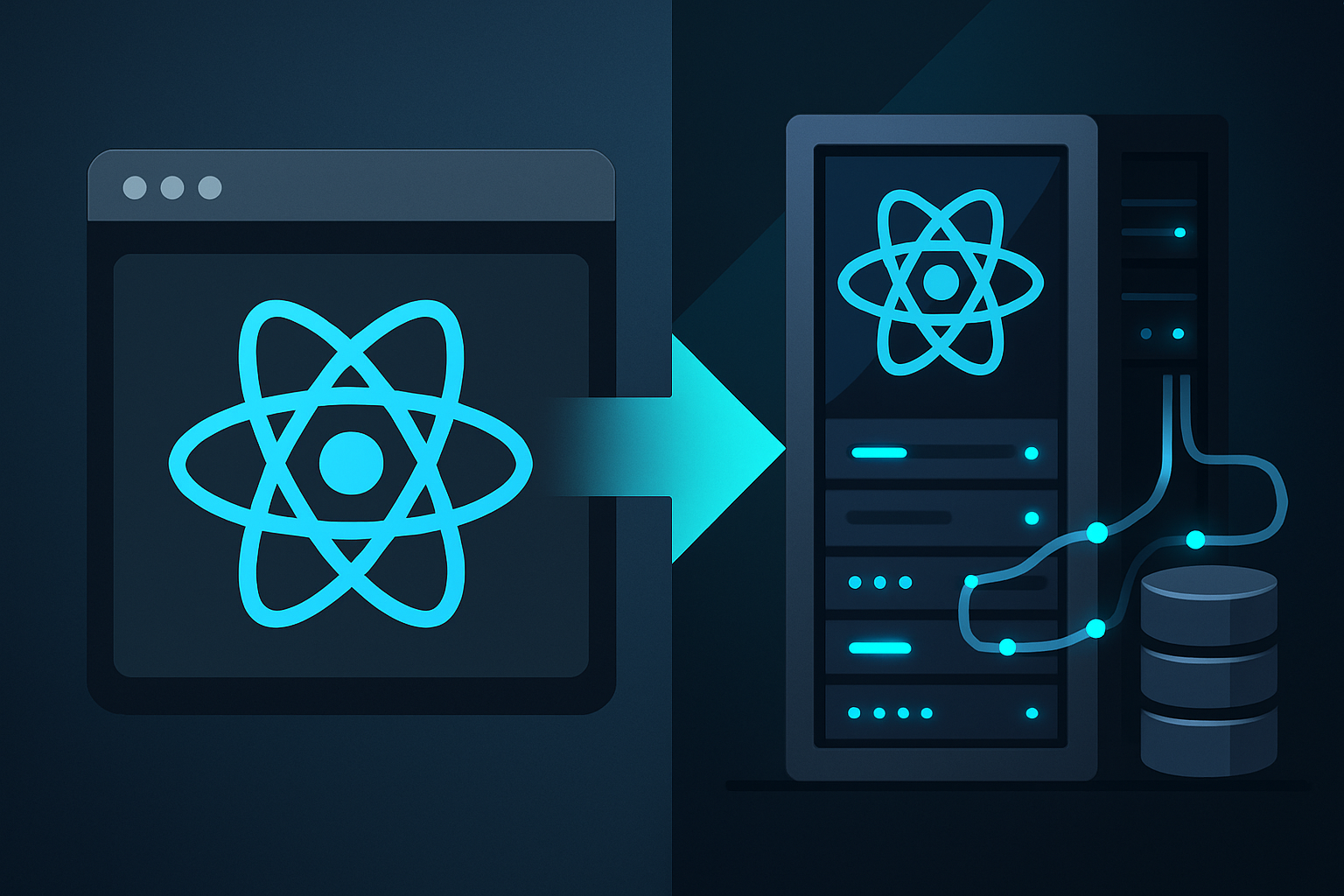
NextJS flips this around. Your React components render on the server first. The HTML arrives fully formed, the page is immediately visible, and then React “hydrates” it to make it interactive. It’s still the same JSX, the same hooks, the same component model. But the rendering starts on the server instead of the browser.
The Real Differences: Router and Data Access
When I started working with NextJS on this project, the biggest adjustment wasn’t the rendering model — it was the router. In client-side React, you typically use React Router with its <Route> components and useNavigate hooks. In NextJS, routing is file-system based. You create a file at app/dashboard/page.tsx and boom, you have a /dashboard route. No configuration needed.
This sounds trivial, but it changes how you think about your application structure. Each route is a directory. Layouts nest automatically. Loading states get their own files. It’s opinionated, but in a way that actually reduces decision fatigue.
The other major difference is data access. In a traditional React SPA, if you need data from a database, you have to:
- Build a REST or GraphQL API
- Deploy it somewhere
- Call it from your React components with
fetchor a library like TanStack Query - Handle loading states, errors, caching
With NextJS Server Components, you can query the database directly from your component code. No API layer needed. The component runs on the server, fetches the data, renders the HTML, and sends it to the browser. The database credentials never leave the server. The client never sees them.
This is a genuinely big deal. It eliminates an entire architectural layer that most React applications need.
The Blazor Parallel
Here’s what’s interesting. Microsoft’s Blazor went through exactly the same evolution, just from the opposite direction.
Blazor started as Blazor WebAssembly — C# code compiled to WASM, running entirely in the browser. Just like a React SPA, it needed a backend API (a “BFF” — Backend for Frontend) to access databases and external services. The browser downloaded the .NET runtime, your application DLLs, and everything executed client-side.
Then came Blazor Server. Instead of running in the browser, Blazor components execute on the server. UI updates travel over a SignalR WebSocket connection. The browser is essentially a thin terminal — it sends user events to the server and receives DOM patches back. No HTTP requests between user interactions and server logic. Direct database access. Secrets stay on the server.
Sound familiar? It should. NextJS Server Components and Blazor Server solve the same fundamental problem: how do you keep the developer experience of component-based UI frameworks while eliminating the BFF layer and keeping sensitive logic server-side?
I worked with Blazor for about 10 months on a medical device software project using C#, .NET, and Azure. I saw firsthand how Blazor Server simplified the architecture compared to the WebAssembly approach. You didn’t need a separate API project. You could inject your database context directly into components. Authentication was straightforward because everything ran in a trusted server environment.
Client vs. Server: The Trade-offs
Both NextJS and Blazor offer this client/server split, and both come with trade-offs:
Client-side rendering (React SPA / Blazor WASM):
- Works offline (or can, with service workers)
- No server load per user interaction
- Higher initial load time (big JS/WASM bundle)
- Needs a BFF API for any server-side logic
- Secrets must be carefully managed
Server-side rendering (NextJS Server Components / Blazor Server):
- Fast initial page load (HTML arrives ready)
- Direct database access from components
- Secrets never leave the server
- Requires a persistent server connection
- Every interaction needs a server round-trip
NextJS has an elegant solution here that Blazor Server lacks: you can mix server and client components in the same application. Mark a component with "use client" and it runs in the browser. Leave it unmarked and it runs on the server. This granular control means you can use server rendering for data-heavy pages and client rendering for highly interactive widgets — in the same app, on the same page.
Blazor has moved toward a similar model with .NET 8’s “Auto” render mode, but NextJS got there first and the implementation feels more natural to me.
What I Learned Building a Real Platform with NextJS
Working on a production platform with NextJS, I appreciated how little I had to unlearn from my React background. The component model is identical. State management works the same way (we used both local state and shared stores). Styled Components worked out of the box. Testing with Vitest was straightforward.
The new parts — App Router, Server Actions, route groups, middleware — are essentially extensions on top of React concepts. If you already know React, NextJS doesn’t reinvent the wheel. It adds a server-side layer and a routing convention on top of what’s already familiar.
The project also involved some client-only libraries that needed to run in the browser. NextJS handles this boundary well — you mark components with "use client" when they need browser APIs, and the rest stays on the server. The separation is clean and explicit.
Should You Learn NextJS?
If you already know React — yes, absolutely. The learning curve is small and the architectural benefits are significant. NextJS has become the de facto standard for new React projects, and for good reason. It solves real problems that pure client-side React leaves to you.
If you’re coming from Blazor Server, the mental model will feel familiar. You already understand the value of server-side component rendering and direct data access. NextJS is the same idea, but in the JavaScript/TypeScript ecosystem with a larger community and more third-party integrations.
And if you’re still building pure client-side React SPAs with a separate BFF API — take a serious look at what you’re missing. I wish I’d made the switch earlier.
Okay, enough for now. I’ll be back!